Release Notes - Sample
Prerequisites
Ensure you have the following before proceeding:
-
Permissions to create tags and release notes you must have at least the Developer role for a project.
Steps
3. Merge Changes to Release Branch
git checkout release
git merge develop
Resolve any merge conflicts if they occur.
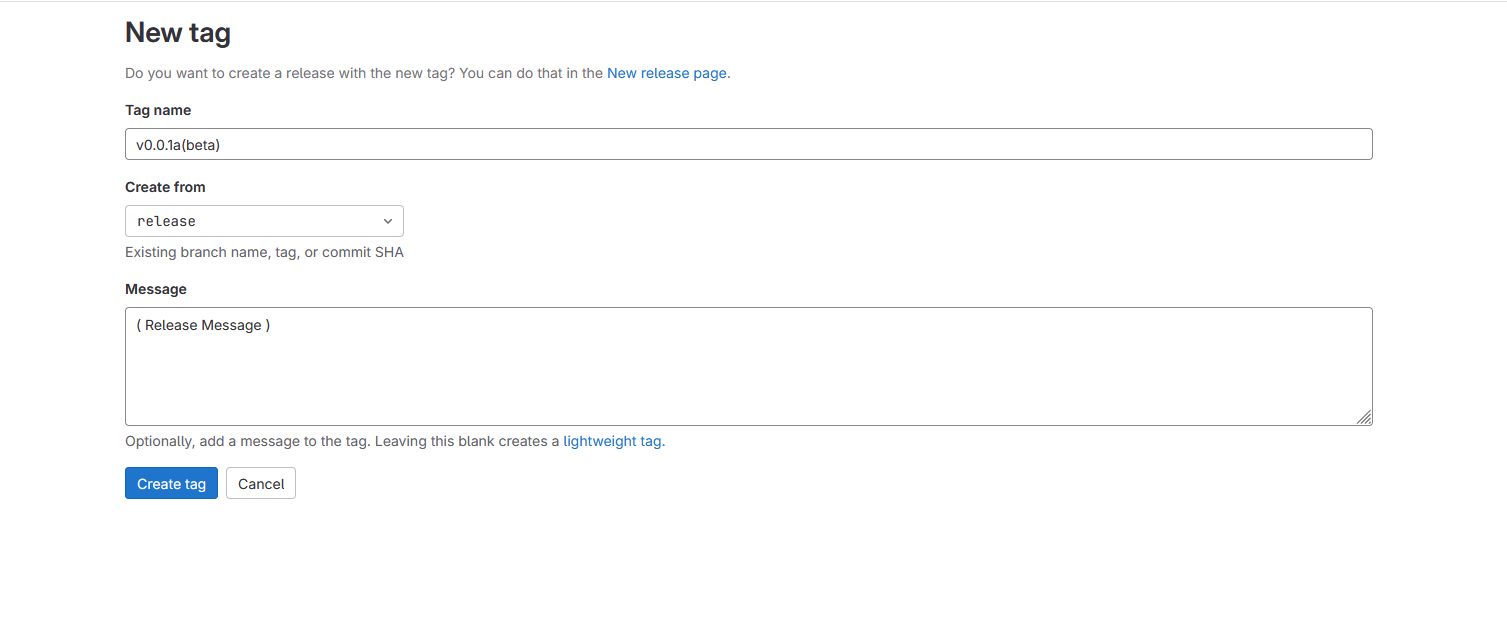
4. Create a Tag
Create a tag for the release version. To know more about Tags in command promt.
ex:
# In this short version, the annotated tag's name is "v1.0",
# and the message is "Version 1.0".
git tag -a v1.0 -m "Version 1.0"
# Use this version to write a longer tag message
# for annotated tag "v1.0" in your text editor.
git tag -a v1.0
Push Changes and Tags
Push your tags upstream with git push origin release --tags
This will push the merged changes to the release branch along with the newly created tag.
From the UI :
To create a tag from the GitLab UI:
-
On the left sidebar, select Search or go to and find your project.
-
Select Code > Tags.
-
Select New tag.
-
Provide a Tag name.
-
For Create from, select an existing branch name, tag, or commit SHA.
-
Optional. Add a Message to create an annotated tag.
-
Select Create tag.
5. Write Release Notes
Open the release notes file and add information about the changes included in this release. Include details such as new features, bug fixes, and any important updates.
To create a release in the Releases page:
-
On the left sidebar, select
Search or go toand find your project. -
Select
Deploy > Releasesand selectNew release. -
From the
Tag namedropdown list, either:-
Select an existing Git tag. Selecting an existing tag that is already associated with a release results in a validation error.
-
Enter a new Git tag name.
-
From the
Create tagpopover, select a branch or commit SHA to use when creating the new tag. -
Optional. In the
Set tag messagetext box -
Select
Save.
-
-
-
Optional. Enter additional information about the release, including:
-
Title.
-
Milestones.
-
Release notes.
-
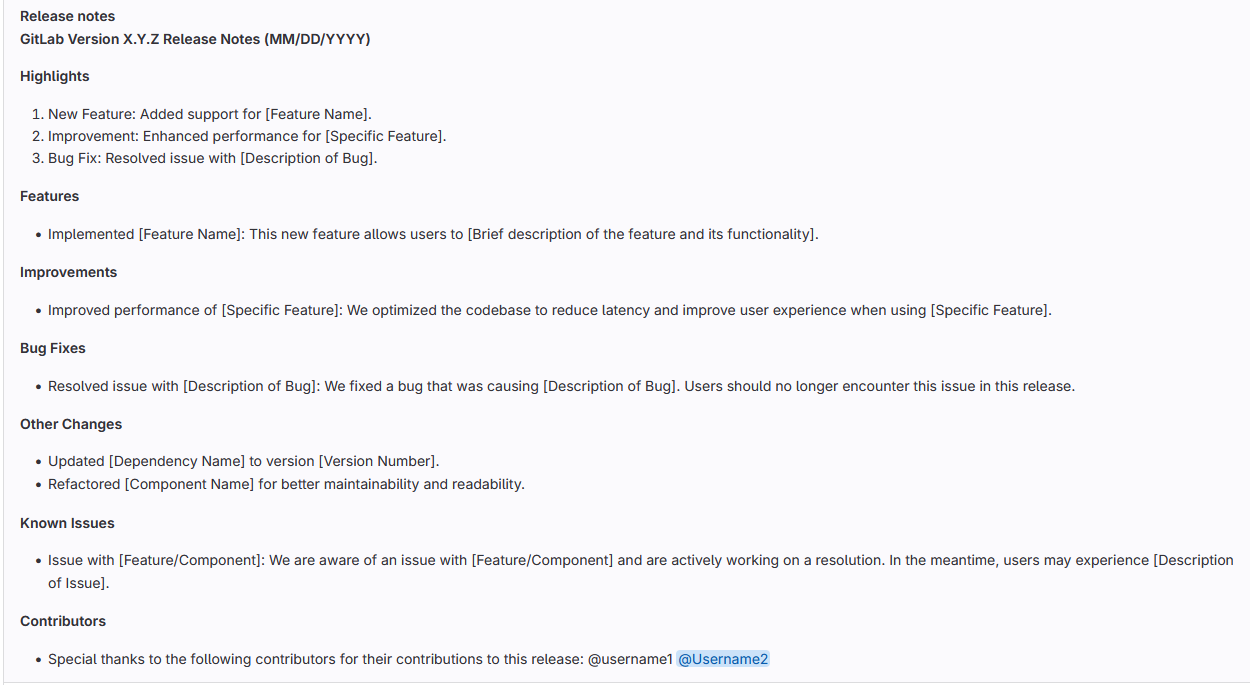
Sample note must follow this pattern
Release notes
GitLab Version X.Y.Z Release Notes (MM/DD/YYYY)
Highlights
    New Feature: Added support for [Feature Name].
    Improvement: Enhanced performance for [Specific Feature].
    Bug Fix: Resolved issue with [Description of Bug].
Features
    Implemented [Feature Name]: This new feature allows users to [Brief description of the feature and its functionality].
Improvements
    Improved performance of [Specific Feature]: We optimized the codebase to reduce latency and improve user experience when using [Specific Feature].
Bug Fixes
    Resolved issue with [Description of Bug]: We fixed a bug that was causing [Description of Bug]. Users should no longer encounter this issue in this release.
Other Changes
    Updated [Dependency Name] to version [Version Number].
    Refactored [Component Name] for better maintainability and readability.
Known Issues
    Issue with [Feature/Component]: We are aware of an issue with [Feature/Component] and are actively working on a resolution. In the meantime, users may experience [Description of Issue].
Contributors
Special thanks to the following contributors for their contributions to this release: @username1 @Username2-
Whether or not to include the Tag message.
-
Asset links.
-
Select Create release.
-
To Know more about Release Documentation.
Overview
This release focuses on enhancing documentation to provide better clarity and guidance for users.
Documentation Changes
New Tutorials
-
Added a series of tutorials for beginners.
-
These tutorials cover basic concepts and provide step-by-step instructions for getting started with the product.
-
Topics include installation, configuration, and usage examples.
-
Updated API Reference
-
Revamped the API reference documentation.
-
Added more detailed descriptions for each endpoint.
-
Included code examples and response schemas for better understanding.
-
Bug Fixes and Enhancements
-
Fixed several typos and grammatical errors in the documentation.
-
Addressed user feedback to improve the overall readability and usability of the documentation.