Before you begin, ensure that you have the following:
-
Administrator Access is required to Generating AWS Access Key and Secret Key.
Step 1: Open AWS Management Console
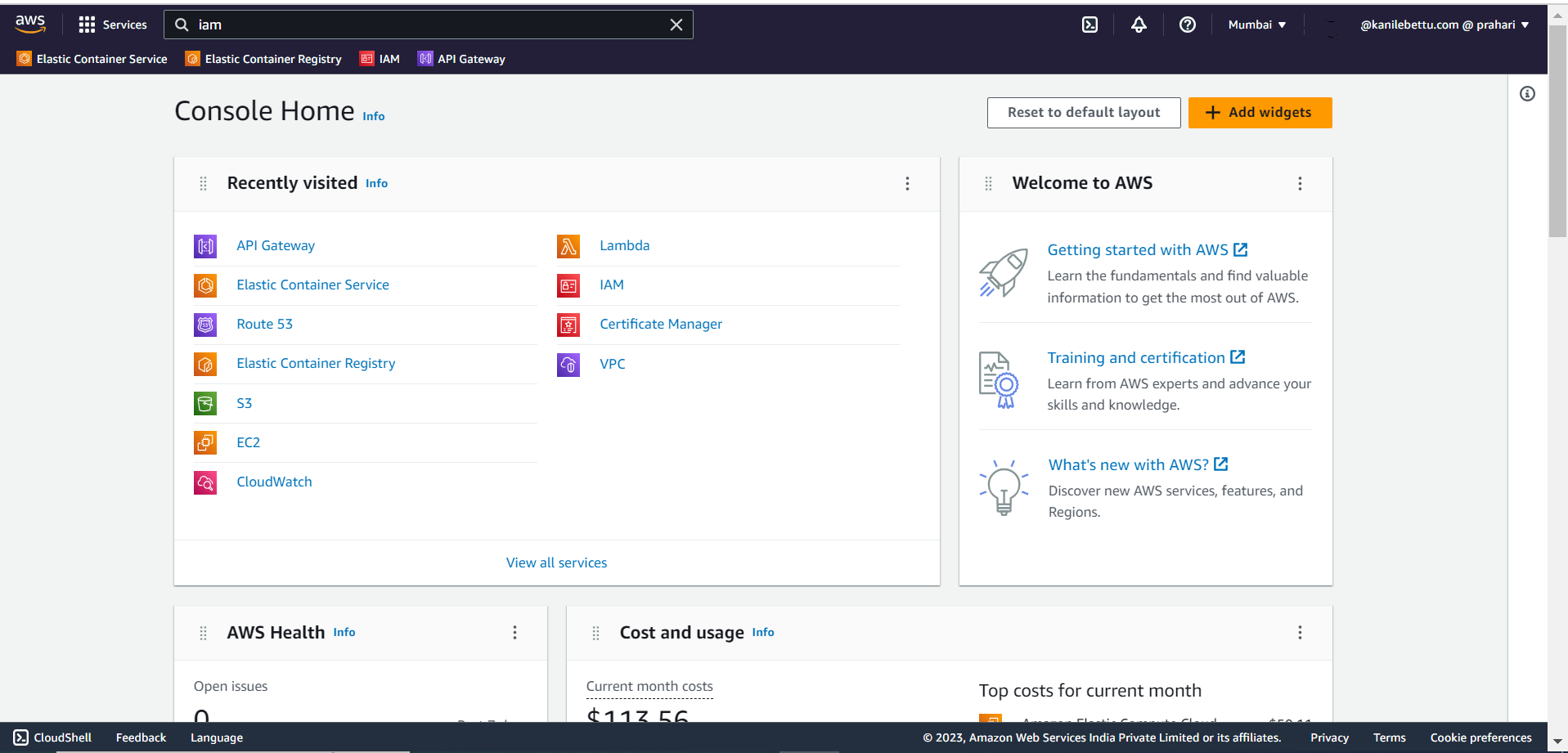
Open a web browser and go to the AWS Management Console.
Step 1: Access Security Credentials
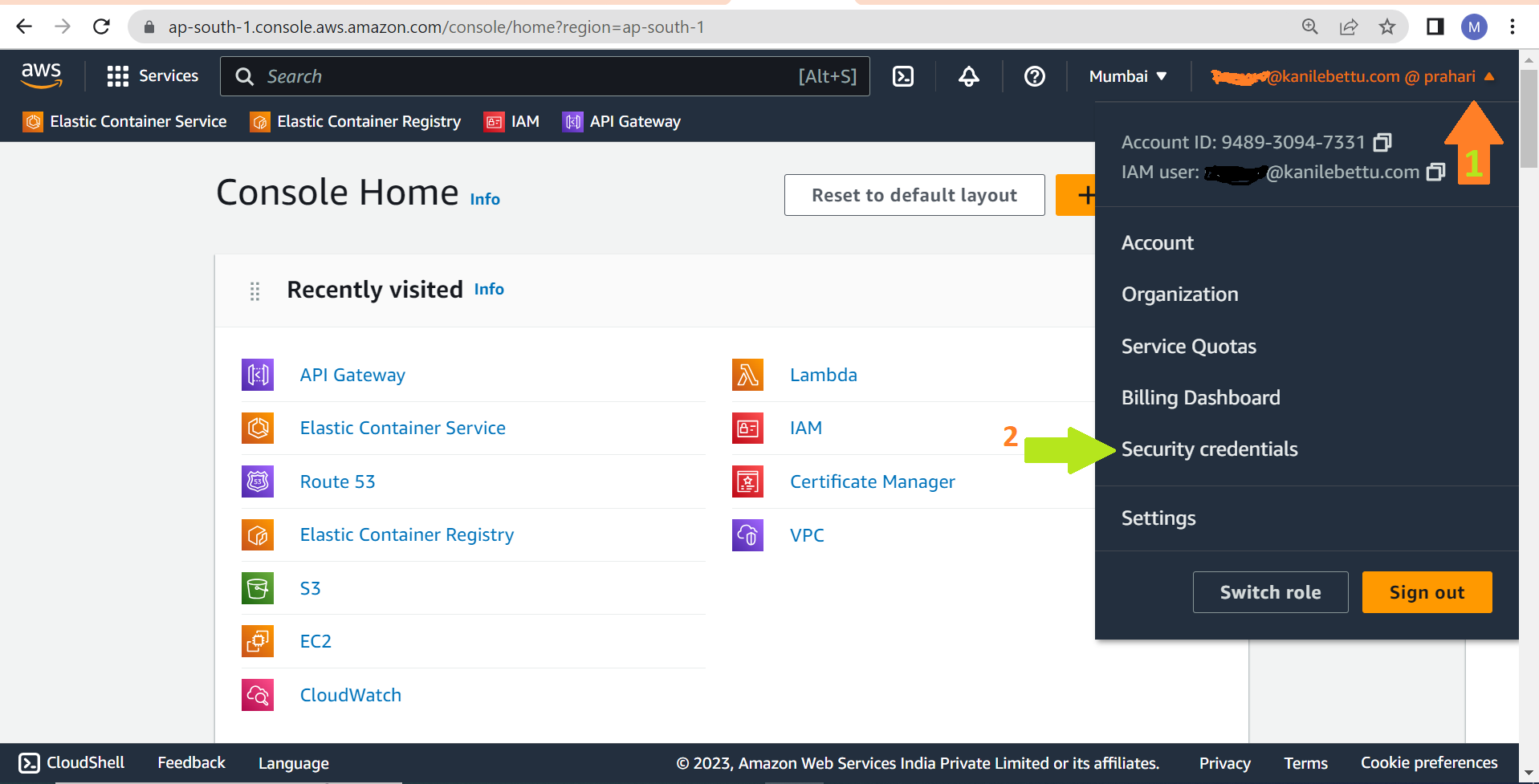
In rigth side top corner click on username and Click on the "Security credentials" tab to access the access key and secret key.
Step 2: Generate Access Key and Secret Key
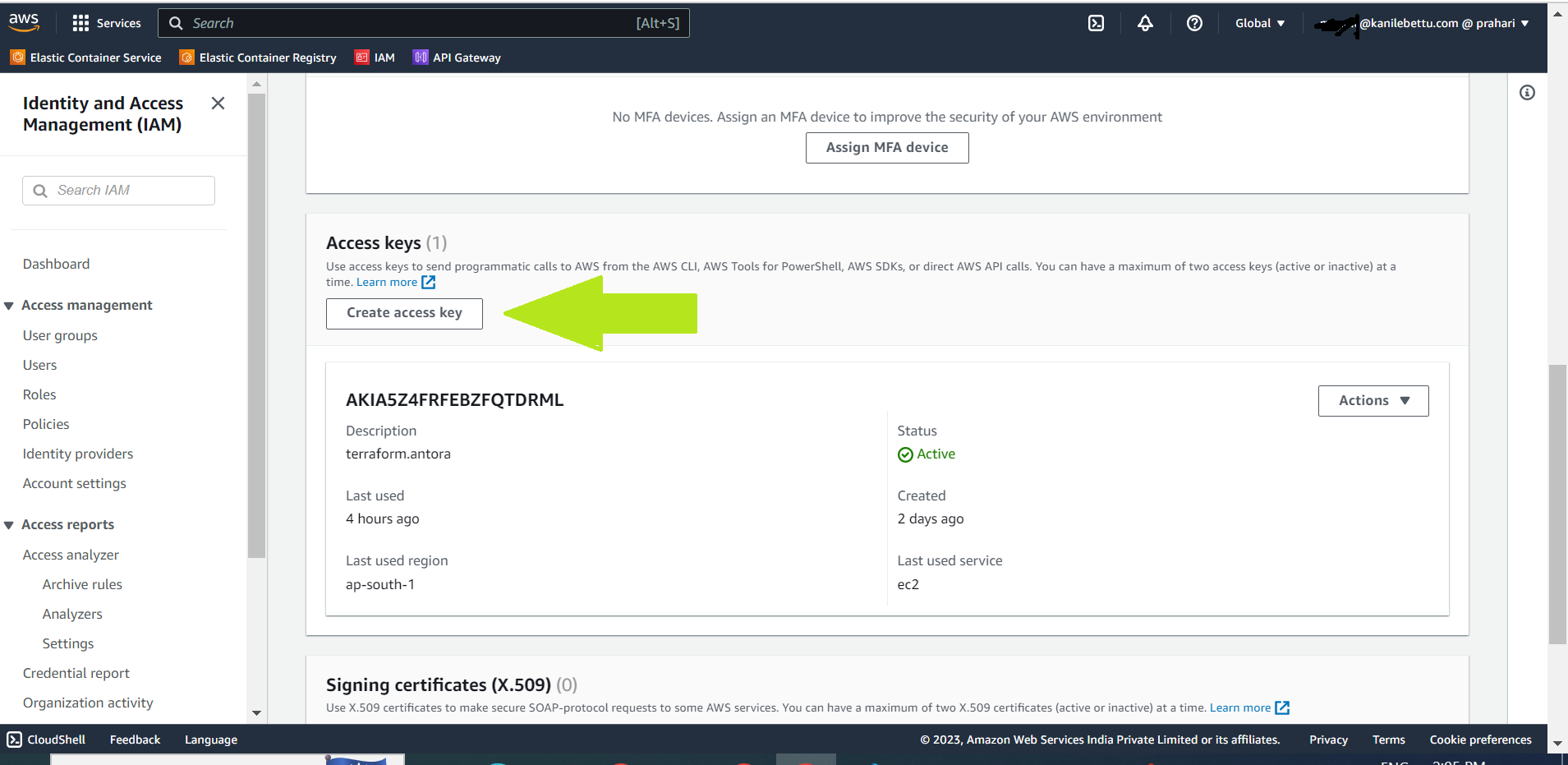
Under the "Access keys" section, click the "Create access key" button to generate the access key and secret key.
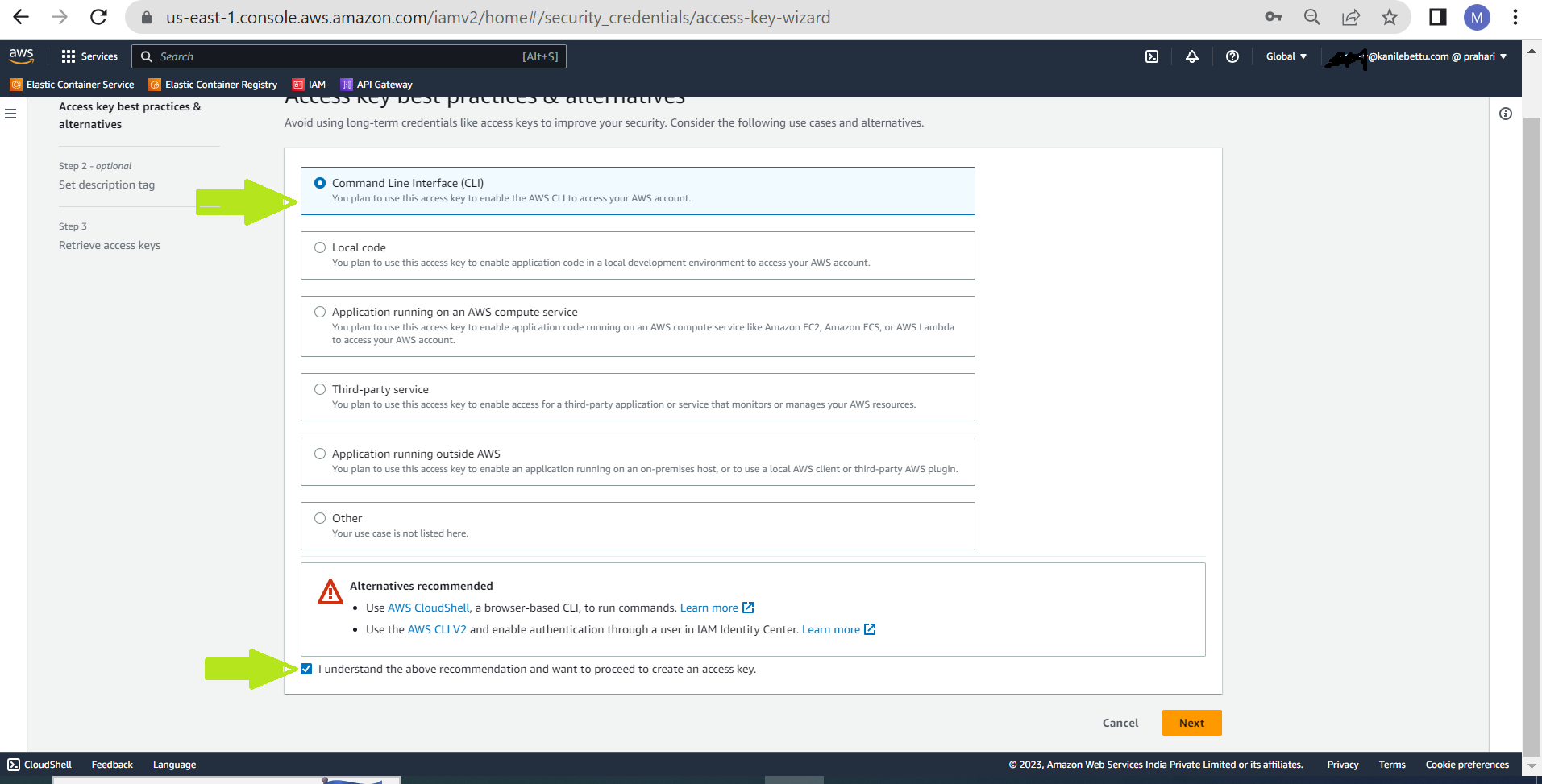
Click on next and select command line interface.
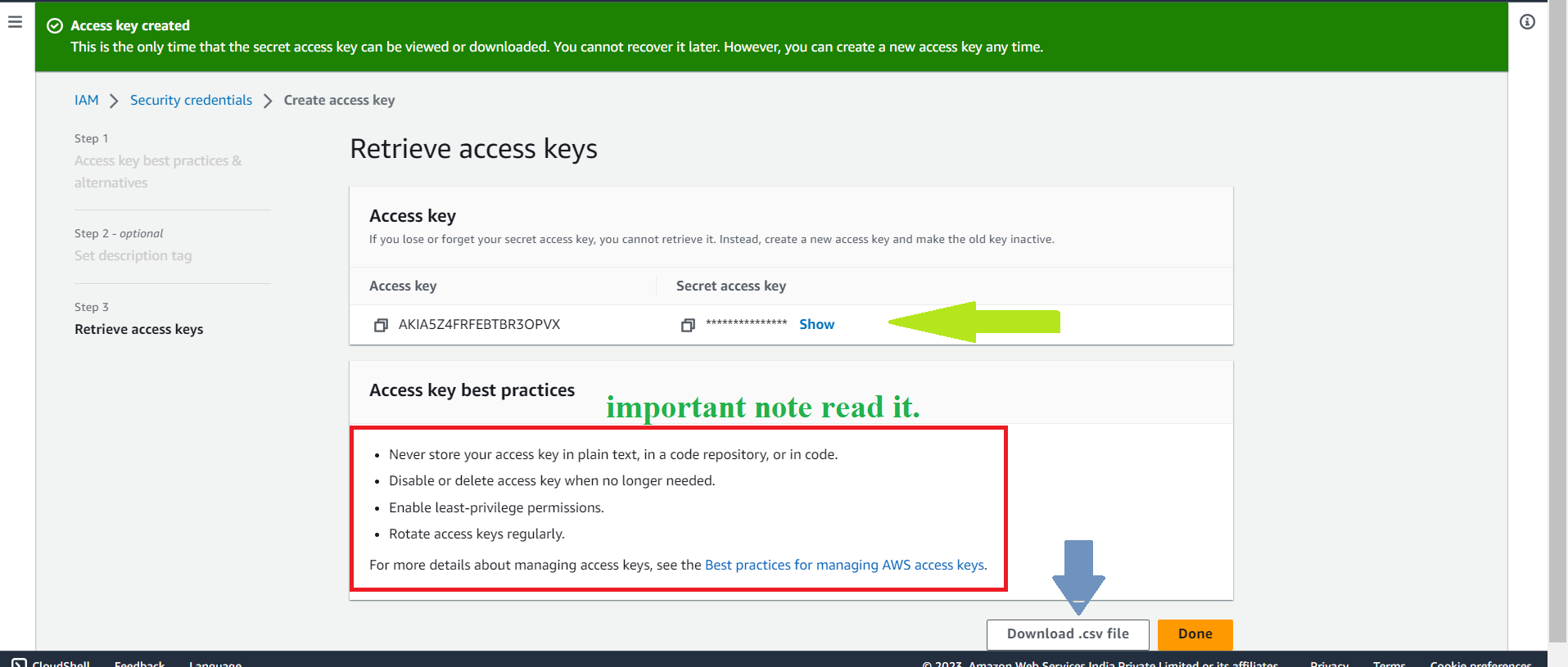
Step 3: Note Down Access Key and Secret Key
Once the access key and secret key are generated, note them or download .csv File and keep it confidential.