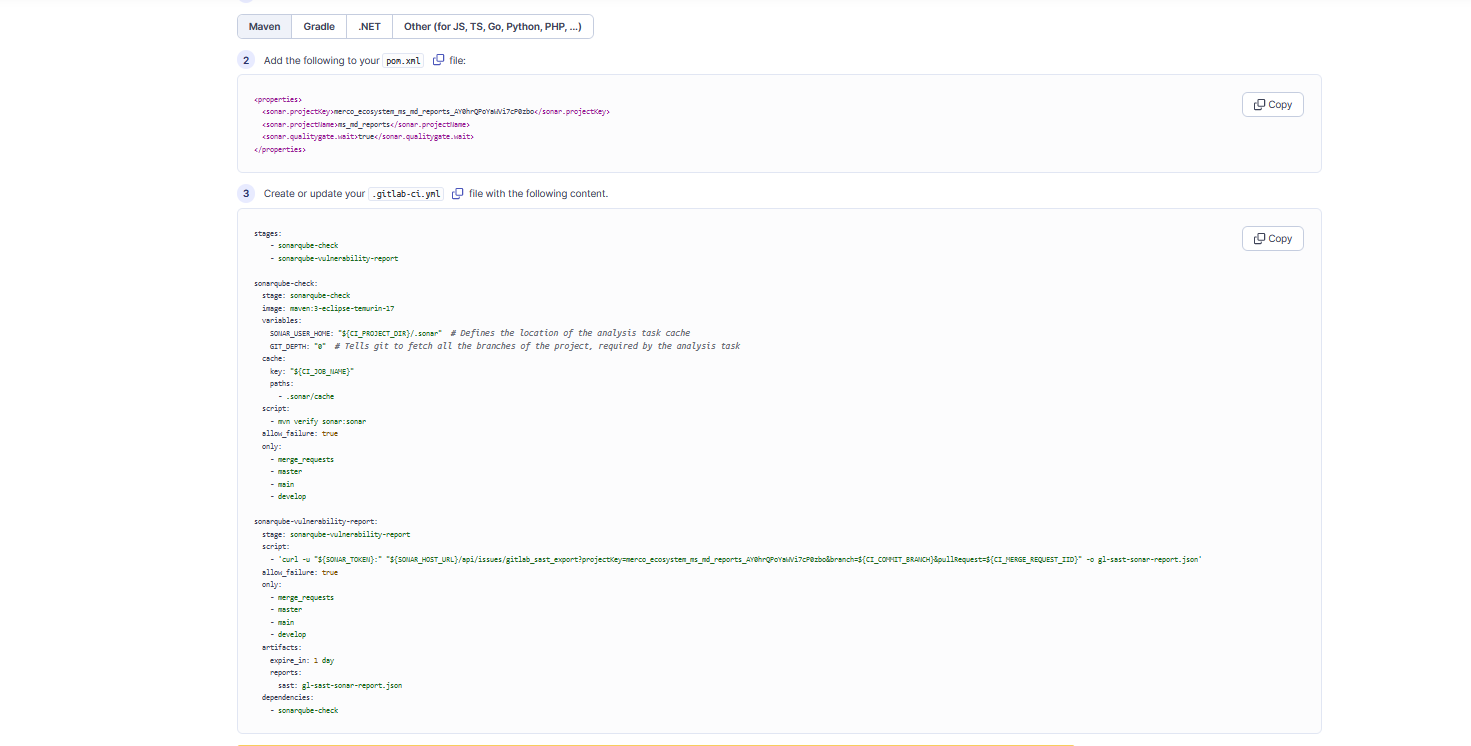
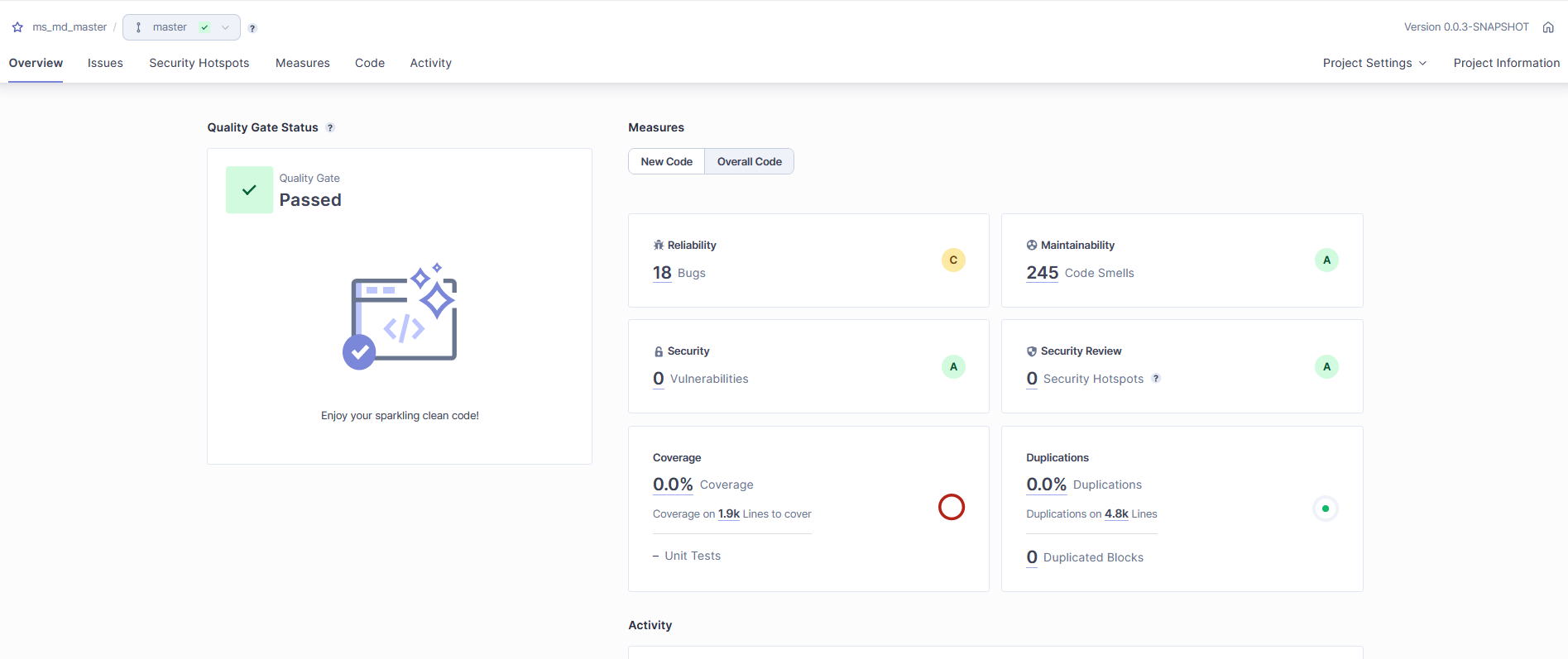
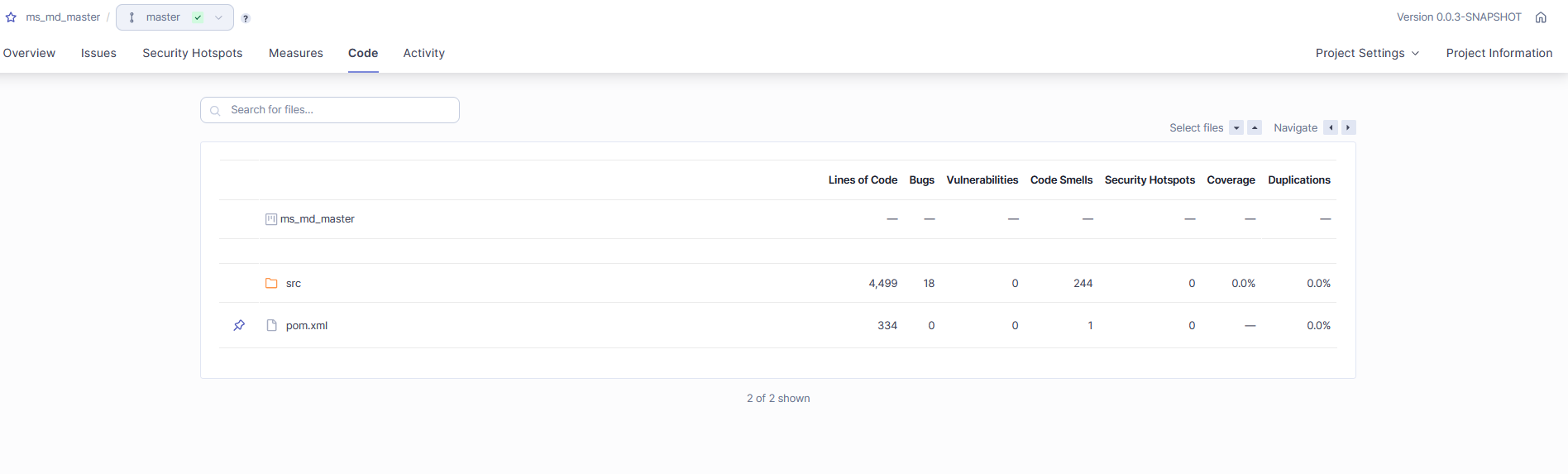
Implementation of SonarQube for backend microservices using Selfhosted GitLab Runner
1. Introduction
SonarQube is open-source software for integrating with various cloud providers and CI/CD tools. It’s a great Static code analysis tool which scans the code against coding standards, identifies bugs and even checks for code coverage.
2. Pre-requisite:
-
Java 11/17
-
SonarQube server requires at least 2GB of RAM to run efficiently
-
PostgreSql Database version 11 & higher
-
Support only 64-bit systems
For more info visit sonarqube website given below:
https://docs.sonarsource.com/sonarqube/9.9/requirements/prerequisites-and-overview/
3. Create a Ec2 instance named sonarqube with the type t2.medium and SSH into the instance using the command,
ssh -i "kbt-microservices.pem" ec2-user@ec2-13-233-183-220.ap-south-1.compute.amazonaws.com
4. Before deploying SonarQube, minimum setting has to made with the instance like,
sudo nano /etc/sysctl.conf
In this file add these two lines at last and save,
vm.max_map_count=262144
fs.file-max=65536
5. Install & enable docker for executing the commands,
sudo yum install docker -y
sudo systemctl status docker
sudo systemctl enable docker
sudo usermod -aG docker $USER
6. Create a schema named ms_md_sonarqube, inside the mercodesk-qa database, for sonarqube to save the report analysis.
7. Install SonarQube as docker container into the instance using the command,
sudo docker run -d --name sonarqube -m 2g -p 9000:9000 -e SONAR_JDBC_URL=jdbc:postgresql://3.109.101.255:5432/mercodesk-qa?currentSchema=ms_md_sonarqube -e SONAR_JDBC_USERNAME=postgres -e SONAR_JDBC_PASSWORD=kbtrdspswd5200 -v sonarqube_data:/opt/sonarqube/data -v sonarqube_extensions:/opt/sonarqube/extensions -v sonarqube_logs:/opt/sonarqube/logs sonarqube:latest
8. To access the Sonarqube UI, type on the browser http://<ec2_instance_ip>:9000/ on the browser .
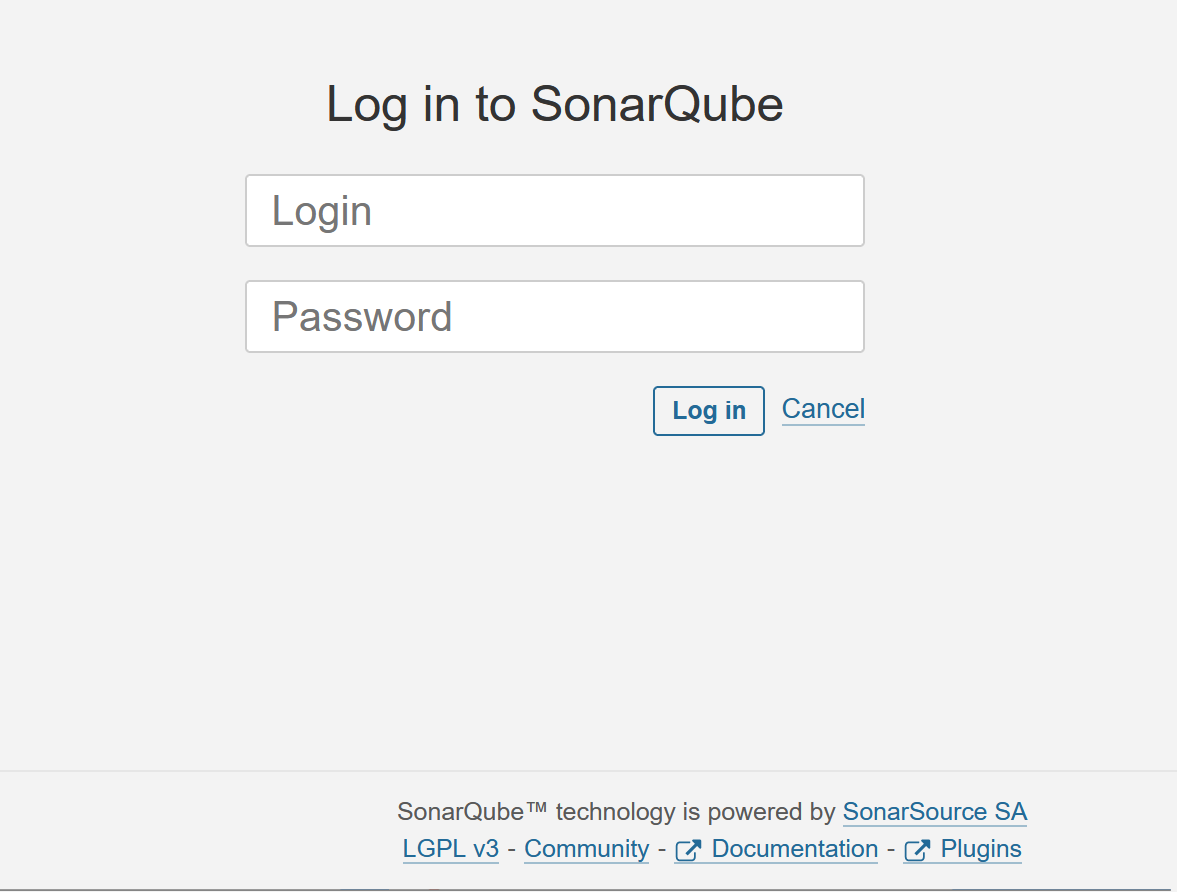
Figure 1. sonarqube_login_page