Create Helm Chart
Creating a Helm chart involves creating the chart itself, configuring the image pull policy, and specifying additional details in the values.yaml file.
Step 1: Create a New Helm Chart
1.To create a new Helm chart, use:
helm create <chart name>For example:
helm create ms_md_master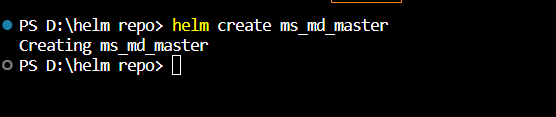
2.Using the ls command, list the chart structure:
ls <chart name>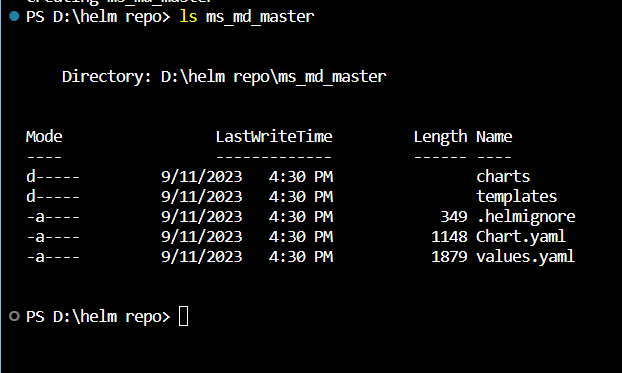
The Helm chart directory contains:
-
Directory charts – Used for adding dependent charts. Empty by default.
-
Directory templates – Configuration files that deploy in the cluster.
-
YAML file – Outline of the Helm chart structure.
-
YAML file – Formatting information for configuring the chart.
Step 2: Configure Helm Chart Image Pull Policy
-
Open the values.yaml file in a text editor. Locate the image values:

There are three possible values for the pullPolicy:
IfNotPresent – Downloads a new version of the image if one does not exist in the cluster.
Always – Pulls the image on every restart or deployment.
Latest – Pulls the most up-to-date version available.
-
Change the image pullPolicy from IfNotPresent to Always: